Your TV is one of the most expensive and fragile items in your home — and also one of the most awkward to move. Unlike a box of books or a stack of dishes, a flat-screen television requires a specific approach to packing and transport. One wrong move and you could end up with a cracked screen or damaged internal components before you even get the keys to your new place.
Whether you are moving across Portland or relocating to a new neighborhood in West Linn, this guide will walk you through exactly how to move a TV safely, step by step.
Gather Your Supplies Before You Start
Having everything on hand before you begin makes the process faster and reduces the chance of mistakes. Here is what you will need:
- A TV moving box or the original packaging
- Bubble wrap or foam wrap
- Cardboard corner protectors
- Packing tape
- Moving blankets
- A microfiber cloth
- Small zip-lock bags for cables and hardware
TV moving boxes are available at most hardware stores and moving supply shops. They are worth the investment. These double-walled boxes are designed specifically to protect flat screens and often include foam inserts to keep the TV from shifting during transit.
Step 1: Disconnect Everything and Take a Photo First
Before you unplug a single cord, take a photo of the back of your TV. This saves you from the frustration of guessing which HDMI goes where when you are setting everything up in your new home.
Once you have the photo, carefully unplug all cables. Coil each one neatly and label them — HDMI 1, power, soundbar, and so on. Place them in labeled zip-lock bags and set them aside. If your TV has a detachable stand or legs, remove those as well and store the screws in a separate bag taped to the TV box.
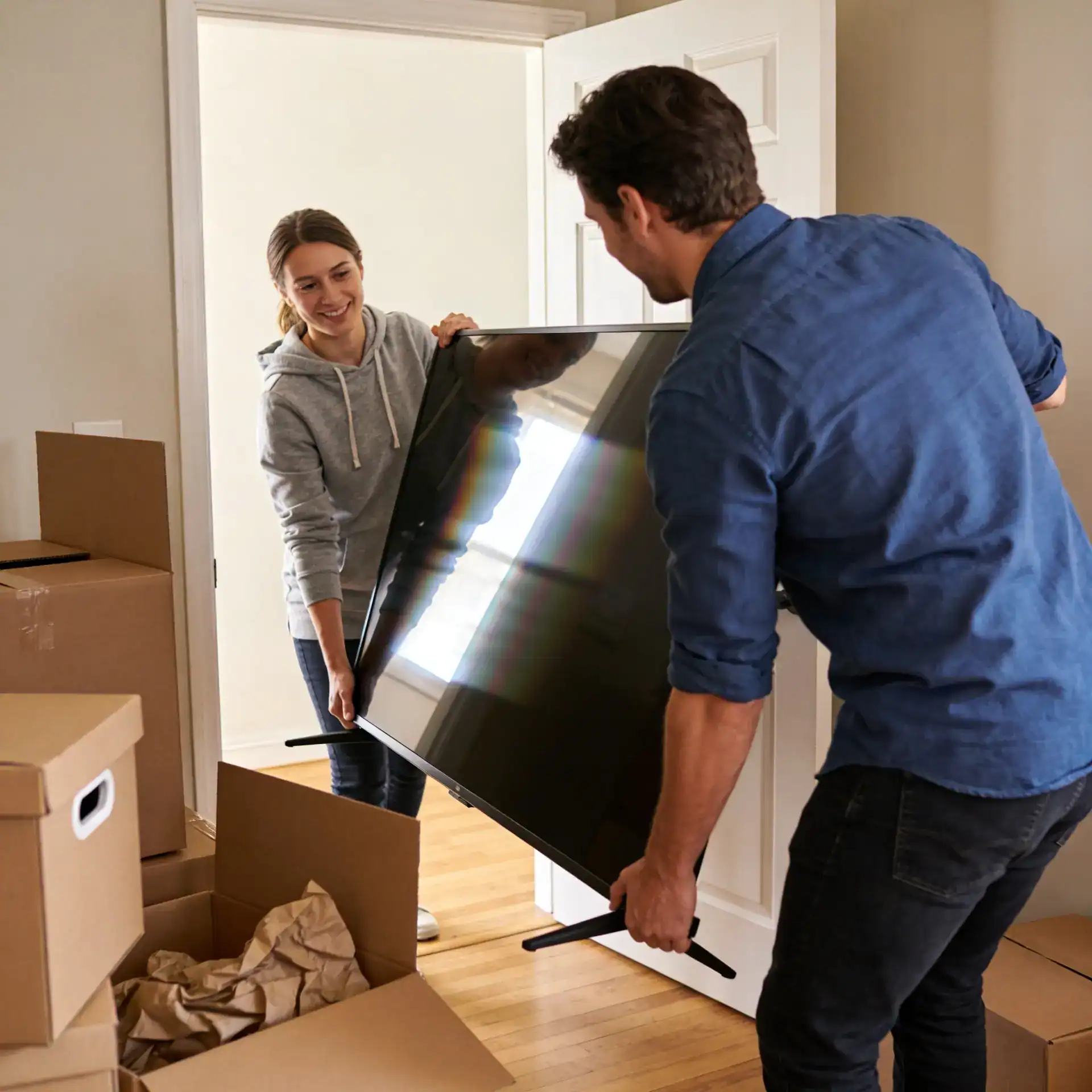
For wall-mounted TVs, you will want a second person to help hold the television while you unscrew the mounting bracket. Once removed, gently place the TV face down on a soft surface like a blanket or foam sheet.
Step 2: Clean the Screen
This step is easy to overlook, but it matters. Any dust or grit on the screen can scratch the surface once you wrap it. Use a microfiber cloth to gently wipe the screen before adding any packing materials. Never use paper towels or household cleaning sprays on a flat-screen panel.
Step 3: Protect the Screen and Corners
The screen is the most vulnerable part of your TV, and the corners are the most likely point of impact during a move.
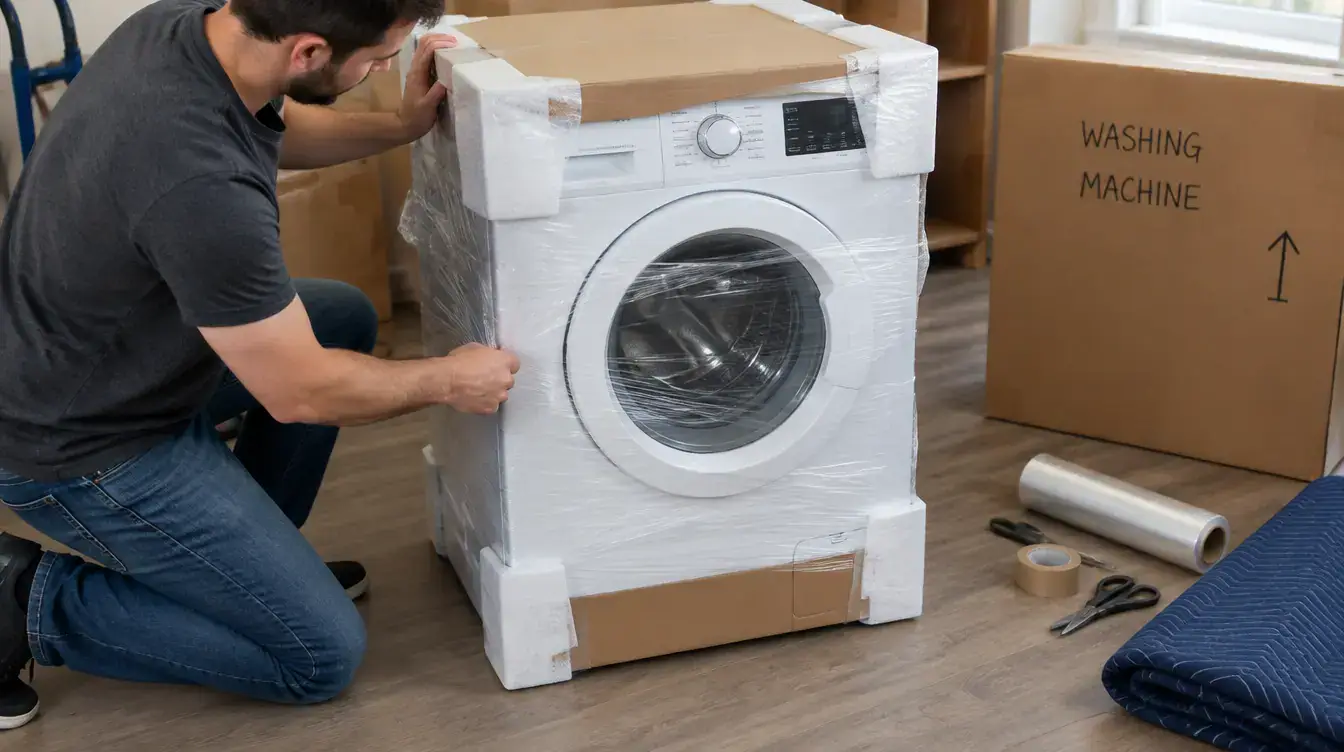
Start by placing cardboard corner protectors on all four corners of the TV. If you do not have pre-made protectors, you can create your own by folding thick cardboard into an L-shape and securing it with tape. Next, wrap the entire TV in bubble wrap or foam wrap, covering all sides completely. Make sure the screen has at least two full layers of protection. Secure the wrapping with packing tape, but never let the tape touch the screen directly — it can leave residue or damage the surface.
For extra protection, wrap the entire packaged TV in a moving blanket and secure it with tape or rope.
Step 4: Box It Up Correctly
Slide your wrapped TV into the moving box with care. The box should fit snugly — if there is extra space, fill it with crumpled packing paper, bubble wrap, or folded moving blankets. The TV should not shift at all when you gently shake the box.
Once sealed, label the box clearly on all sides: “FRAGILE,” “THIS SIDE UP,” and “TV.” Use an arrow to indicate which direction is up. This is especially important if someone else will be handling the box.
Step 5: Load It Into the Truck the Right Way
How the TV rides in the moving truck matters just as much as how it is packed. Always transport your television upright — never lay it flat. Flat-screen TVs are designed to bear weight along their edges when standing upright. Laying one flat puts stress on the screen and internal components in ways they are not built to handle.
Position the TV box between two large, flat, sturdy items like a mattress or the back of a sofa. This prevents it from tipping or being jostled by other moving boxes. If nothing is available to brace it, use tie-down straps to secure the box to the truck wall.
When to Let the Professionals Handle It
A large TV — anything 65 inches or bigger — is genuinely difficult to move safely on your own. Between the awkward size, the stairs, and tight hallways, the margin for error is slim. If you are moving your home with a lot of oversized or high-value items, it is worth having professionals take care of the loading and transport.
The team at Redefyne Moving & Storage handles flat-screens and electronics regularly. If you are moving locally in the Portland or West Linn area, we bring the right equipment, the right technique, and the experience to make sure your TV arrives in perfect condition.
Reach out today for a free quote and let us take one more thing off your moving day checklist.